> For the complete documentation index, see [llms.txt](https://docs.thewalletcrew.io/llms.txt). Markdown versions of documentation pages are available by appending `.md` to page URLs; this page is available as [Markdown](https://docs.thewalletcrew.io/connectors/email-provider.md).
# Email provider
Choose how The Wallet Crew sends transactional emails through SendGrid, a supported provider, or a custom email connector.
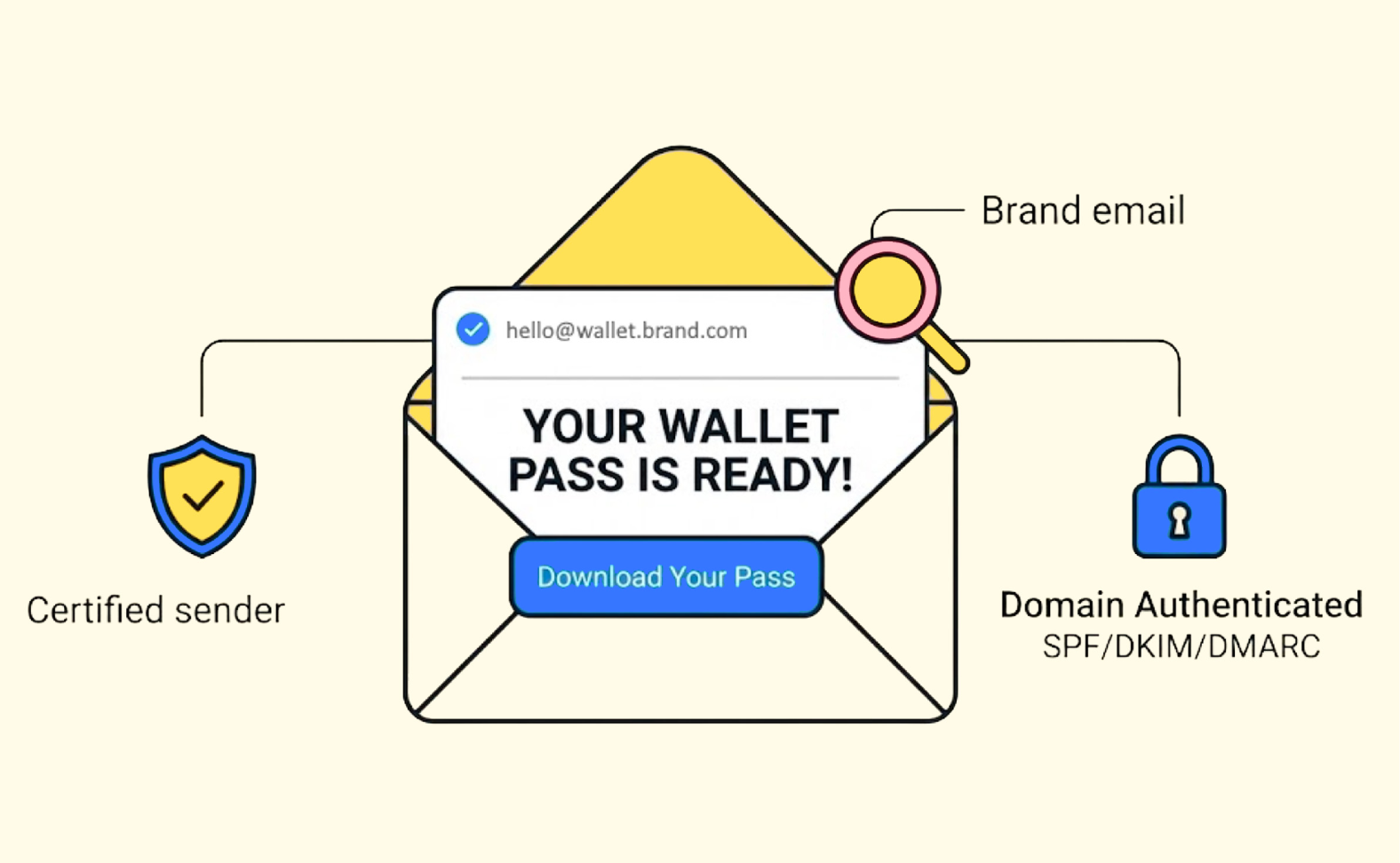
The Wallet Crew can send transactional emails as part of the customer journey. These emails are sent **on behalf of the brand**, so customers recognize the sender and trust the message.
This matters for conversion and security. A branded, authenticated sender reduces phishing risk. It also increases confidence when customers click an “Add to Wallet” link.
Transactional emails can distribute a pass or support enrolment and verification flows.
## What emails The Wallet Crew can send
Email sending depends on the journeys enabled on the tenant. Common examples include pass distribution and enrolment flows.
* A link to download a customer loyalty card in Apple & Google Wallet.
* A registration email when a customer enrols through a form.
* A challenge email to authenticate a customer (verification code or link).
* A confirmation email after registration or verification.
## Why the sender identity matters
When emails use a sender identity that matches the brand, customers are less likely to distrust the message. When the sender is properly authenticated (SPF, DKIM, DMARC), mailbox providers are less likely to flag the email as spoofing.
In practice, this improves deliverability and reduces phishing opportunities around “download your pass” links.
{% hint style="info" %}
To let customers see `no-reply@yourbrand.com` (or `no-reply@wallet.yourbrand.com`), plan SPF/DKIM and a DMARC policy. This is what mailbox providers use to validate the sender.
{% endhint %}
## Choose an email provider strategy
The Wallet Crew uses **SendGrid** by default. This default can be kept, replaced by another supported provider, or replaced by a dedicated gateway.
### Default: SendGrid
This is the fastest option. It covers most use cases. See [SendGrid](/connectors/email-provider/sendgrid.md) for supported modes and configuration.
Even with SendGrid, use a custom sending domain that matches the brand. Confirm the required SPF, DKIM, and DMARC records during implementation.
### Built-in connectors
Use this when the brand already has a provider, templates, reporting, or compliance processes in place.
Supported built-in connectors:
* [Adobe Marketing Cloud](/connectors/email-provider/adobe-marketing-cloud.md)
* [Mailchimp](/connectors/email-provider/mailchimp.md)
* [Salesforce Marketing Cloud](/connectors/email-provider/salesforce-marketing-cloud.md)
* [SendGrid](/connectors/email-provider/sendgrid.md)
### Custom connector
Use this when a provider is not supported by built-in connectors, when sending must route through an internal mail relay, or when the brand backend should keep full control of sending.
The Wallet Crew still renders the email content. The tenant implementation is responsible for the final “send” call and its delivery lifecycle.
* [EmailSender extensibility](/connectors/custom-connector/emailsender-extensibility.md)
### Email providers not listed
An unlisted provider does not prevent wallet email delivery. The Wallet Crew and the provider partner can jointly scope a standard connector when the integration can support multiple brands.
For a provider specific to one tenant, use a custom connector. Tenant scripting calls the provider API or internal relay through [EmailSender extensibility](/connectors/custom-connector/emailsender-extensibility.md).
## Where the configuration lives
The active email provider is selected in `/server/emails.yml` in the advanced configuration. Each connector page documents exactly what values to set for its provider type.
## FAQ
Are these marketing emails?
No. These are transactional emails tied to a customer journey, like pass download links or verification messages.
For marketing campaigns, use the brand marketing tools, then embed The Wallet Crew links in their templates.
Can The Wallet Crew send from a brand domain?
Yes, as long as the sender domain is properly authenticated. For SendGrid, this typically means configuring SPF/DKIM and a DMARC policy for the domain (or subdomain) used as the sender.
What is the quickest way to reduce phishing risk?
Use a sending domain aligned with the brand and enforce DMARC. Avoid generic sender domains that customers do not recognize.
When should the EmailSender extensibility be used?
Use it when a provider is not supported by connectors, when sending must route through an internal mail gateway, or when sending logic should be centralized in the brand systems.
What if the email provider is not listed?
The Wallet Crew and the provider partner can scope a standard connector. A tenant-specific provider can also use a custom connector with tenant scripting and the provider API.
---
# Agent Instructions
This documentation is published with GitBook. GitBook is the documentation platform designed so that both humans and AI agents can read, navigate, and reason over technical content effectively. Learn more at gitbook.com.
## Querying This Documentation
If you need additional information that is not directly available in this page, you can query the documentation dynamically by asking a question.
Perform an HTTP GET request on the current page URL with the `ask` query parameter, and the optional `goal` query parameter:
```
GET https://docs.thewalletcrew.io/connectors/email-provider.md?ask=&goal=
```
`ask` is the immediate question: it should be specific, self-contained, and written in natural language.
`goal` is optional and describes the broader end goal you are ultimately trying to accomplish on behalf of the user. GitBook uses it to tailor the answer towards what is most useful for that goal.
The response will contain a direct answer to the question and relevant excerpts and sources from the documentation.
Use this mechanism when the answer is not explicitly present in the current page, you need clarification or additional context, or you want to retrieve related documentation sections.