> For the complete documentation index, see [llms.txt](https://docs.thewalletcrew.io/llms.txt). Markdown versions of documentation pages are available by appending `.md` to page URLs; this page is available as [Markdown](https://docs.thewalletcrew.io/connectors/marketing-automation/bloomreach/the-wallet-crew-components.md).
# The Wallet Crew components
Components in The Wallet Crew that connect wallet passes with Bloomreach data and workflows.
The Bloomreach integration is implemented as a connector plus optional components. These components read and write Bloomreach customer data as part of wallet flows.
Real-world examples
* **Loyalty**: tier and points displayed on the pass are pulled from Bloomreach.
* **Forms**: an enrolment form creates or updates Bloomreach contacts.
* **Personalization**: Bloomreach segments drive which fields or offers appear on the pass.
### Connector configuration (The Wallet Crew admin console)
The connector is configured in The Wallet Crew back-office. This configuration enables API calls to Bloomreach and event forwarding.
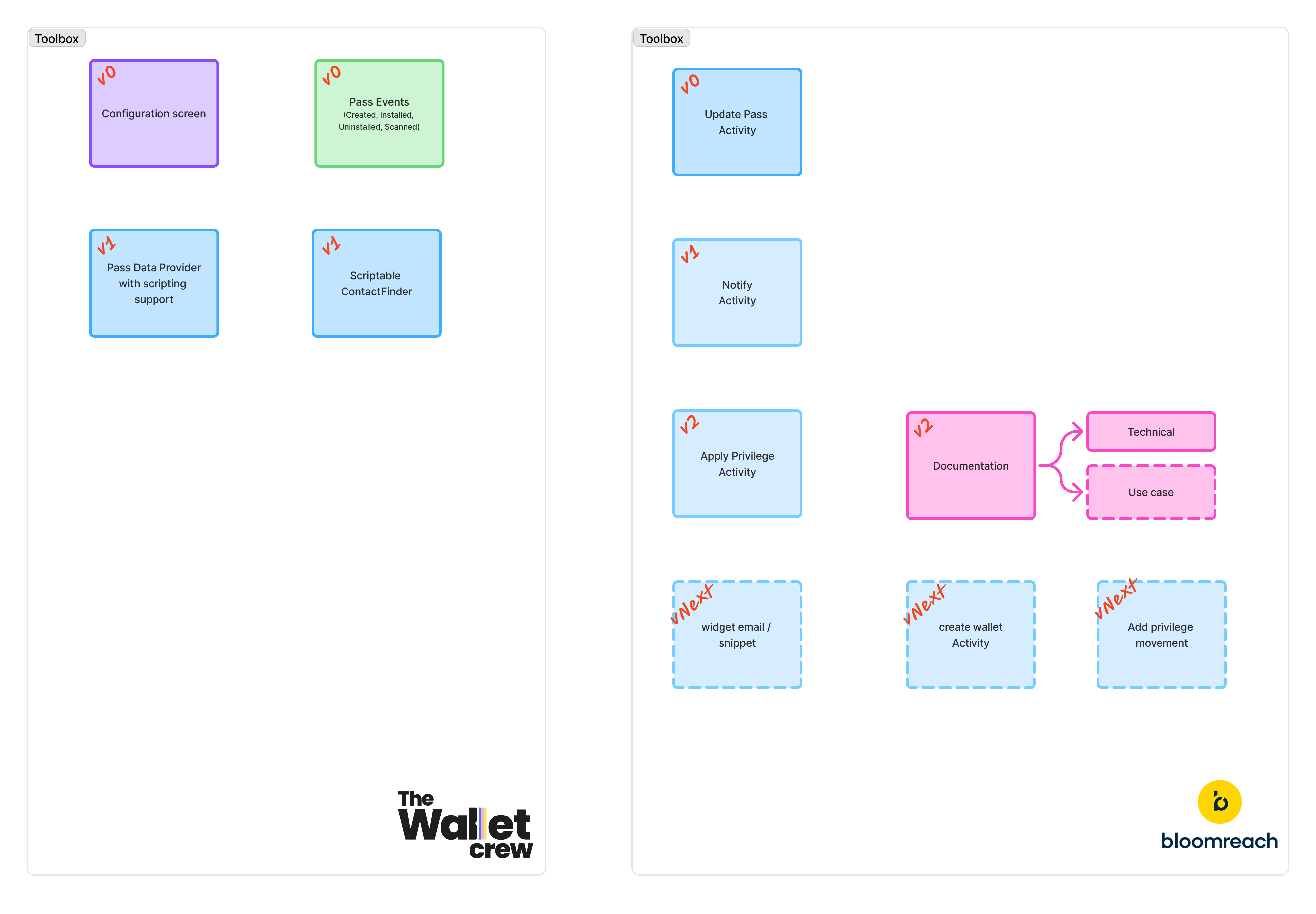
Main building blocks: activities, events, and connector-side components.
#### Configuration fields
The general settings screen contains:
* **API Key & Secret**: Bloomreach project access.
* **Project Token**: Bloomreach environment identifier.
* **Base URL**: Bloomreach API endpoint.
{% hint style="info" %}
The connector must be enabled on the tenant. This is typically done by The Wallet Crew team.
{% endhint %}
### PassDataProvider
PassDataProvider retrieves customer information from Bloomreach and exposes it to pass rendering. This makes Bloomreach a data source for fields displayed on Apple Wallet and Google Wallet passes.
Typical data includes tier labels, points, expiry dates, and personalization attributes.
#### What PassDataProvider is used for
* Display Bloomreach attributes directly on the pass.
* Refresh data when the pass is opened or explicitly updated.
* Reduce duplicated storage across systems when Bloomreach is the CRM source of truth.
### CustomerFlowElement
CustomerFlowElement can create or update a Bloomreach contact as part of a wallet flow. A common usage is linking an enrolment form submission to Bloomreach profile creation.
#### What CustomerFlowElement is used for
* Create a Bloomreach contact from enrolment forms.
* Update Bloomreach attributes when a customer edits their profile.
* Control matching rules (email, phone, member ID, ...).
{% hint style="info" %}
Matching rules and field mappings can be customized. See [Extensibility](/connectors/marketing-automation/bloomreach/extensibility.md).
{% endhint %}
### FAQ
Can one pass use Bloomreach plus other data providers?
Yes. The Wallet Crew can merge data from multiple sources when the project is configured that way. Bloomreach can be used for profile attributes while another system remains the source of truth for transactional data.
Does PassDataProvider overwrite pass fields?
PassDataProvider exposes data to the pass template. What is displayed depends on the template field configuration.
When does Bloomreach data appear on the pass?
It appears after a pass refresh. Refresh can be triggered by an explicit update, or by the platform rules configured for the pass.
---
# Agent Instructions
This documentation is published with GitBook. GitBook is the documentation platform designed so that both humans and AI agents can read, navigate, and reason over technical content effectively. Learn more at gitbook.com.
## Querying This Documentation
If you need additional information that is not directly available in this page, you can query the documentation dynamically by asking a question.
Perform an HTTP GET request on the current page URL with the `ask` query parameter, and the optional `goal` query parameter:
```
GET https://docs.thewalletcrew.io/connectors/marketing-automation/bloomreach/the-wallet-crew-components.md?ask=&goal=
```
`ask` is the immediate question: it should be specific, self-contained, and written in natural language.
`goal` is optional and describes the broader end goal you are ultimately trying to accomplish on behalf of the user. GitBook uses it to tailor the answer towards what is most useful for that goal.
The response will contain a direct answer to the question and relevant excerpts and sources from the documentation.
Use this mechanism when the answer is not explicitly present in the current page, you need clarification or additional context, or you want to retrieve related documentation sections.