> For the complete documentation index, see [llms.txt](https://docs.thewalletcrew.io/llms.txt). Markdown versions of documentation pages are available by appending `.md` to page URLs; this page is available as [Markdown](https://docs.thewalletcrew.io/connectors/wallet-pass-connectors.md).

# Wallet pass connectors

Explore The Wallet Crew connectors for CRM, loyalty, ticketing, e-commerce, POS, and marketing platforms that create, update, and distribute Apple Wallet and Google Wallet passes.

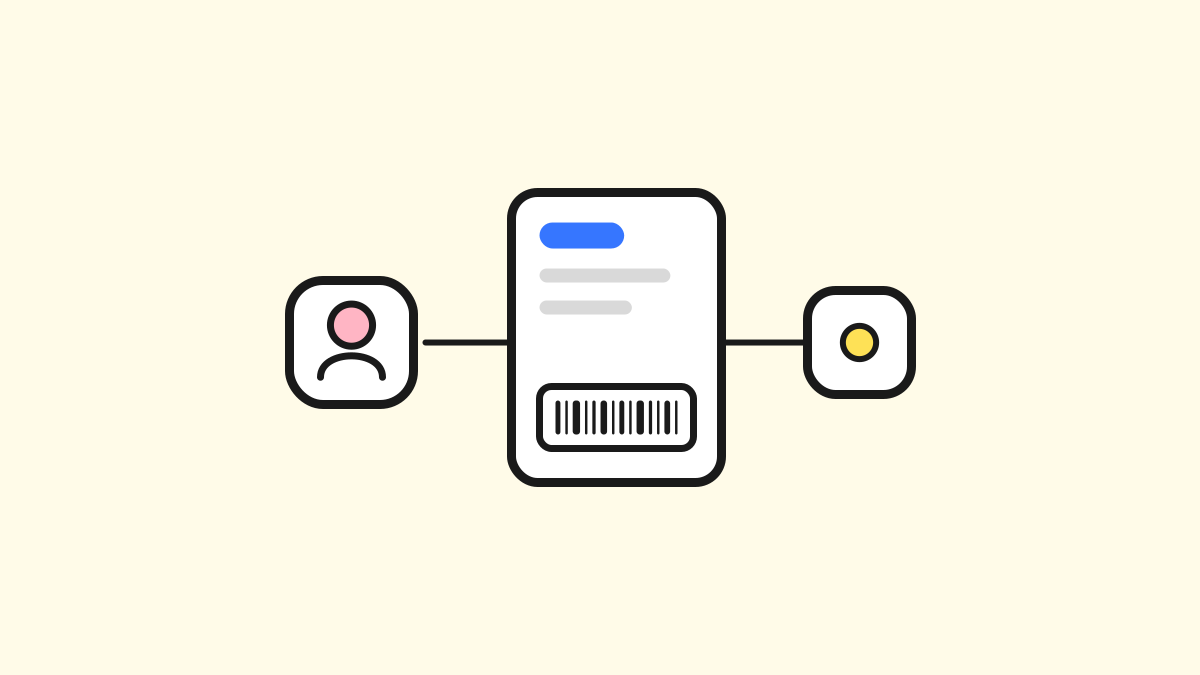
Wallet pass connectors link existing business systems to Apple Wallet and Google Wallet passes managed by The Wallet Crew. They support CRM, loyalty, ticketing, e-commerce, point-of-sale, marketing automation, email, and hardware integrations.

Connectors are integration accelerators, not plug-and-play solutions. Each integration reflects its data model, business rules, and operating processes. A connector can include sync logic, configuration tooling, file exchange support, and implementation guidance.

The brand or partner system remains the source of truth for business data. The Wallet Crew does not replace or duplicate it. The platform transforms source data into wallet-compatible content and can send wallet analytics back to connected systems.

### What a wallet pass connector provides

* Create and update Apple Wallet and Google Wallet pass content from source data.
* Deliver wallet lifecycle events and analytics to connected business systems.
* Support standard connectors or custom integrations for private APIs and workflows.

## Integrate software without a listed connector

Integration with The Wallet Crew is still possible when no native connector exists.

Use this sequence:

1. Start from the integration model and identify where the source data lives.
2. Decide whether a built-in connector is enough or a custom connector is needed.
3. Implement runtime scripting only for the parts that are truly specific to the stack.

### Main integration model

The integration model stays the same for all projects:

1. The source system remains the source of truth for business data.
2. The Wallet Crew stores identifiers and wallet-facing operational data.
3. The Wallet Crew reads and transforms source data into Apple Wallet and Google Wallet payloads.
4. Wallet lifecycle events and analytics can be pushed back to the source systems.

This model avoids data duplication while keeping wallet experiences up to date.

### Choose an integration path

| Situation                                                                                                       | Recommended path                                                |
| --------------------------------------------------------------------------------------------------------------- | --------------------------------------------------------------- |
| The software already has a documented connector                                                                 | Use the connector page in this section                          |
| The software has no connector, but its APIs and events are available                                            | Use [Custom connector](/connectors/custom-connector.md)         |
| The integration mostly needs runtime behavior (data fill hooks, install/uninstall hooks, script email delivery) | Start with [Custom connector](/connectors/custom-connector.md). |

### Responsibilities

| Responsibility area            | Customer / partner system                        | The Wallet Crew                                  |
| ------------------------------ | ------------------------------------------------ | ------------------------------------------------ |
| Business data ownership        | Owns CRM/POS/ticketing/e-commerce records        | Does not replace source systems                  |
| Identifier strategy            | Defines stable identifiers shared across systems | Uses identifiers to resolve and update pass data |
| Wallet payload generation      | Provides source fields and business rules        | Maps data to Apple/Google wallet formats         |
| Pass delivery and updates      | Triggers source events and change inputs         | Orchestrates wallet updates and pass lifecycle   |
| Optional integration scripting | Implements project-specific API/event logic      | Provides runtime hooks and execution context     |

The cards below cover each connector family.

## Wallet pass connector categories

<table data-view="cards"><thead><tr><th></th><th></th><th data-hidden data-card-cover data-type="image">Cover image</th><th data-hidden data-card-target data-type="content-ref"></th></tr></thead><tbody><tr><td><h4>CRM &#x26; fidelity</h4></td><td>Connect CRM and loyalty systems to Apple Wallet and Google Wallet passes.</td><td><a href="https://3852727835-files.gitbook.io/~/files/v0/b/gitbook-x-prod.appspot.com/o/spaces%2FlP7d71aYydav6e0pRkxc%2Fuploads%2FXA8Y1HzYWqO4nfp1tBle%2F01-crm-fidelity.svg?alt=media">https://3852727835-files.gitbook.io/~/files/v0/b/gitbook-x-prod.appspot.com/o/spaces%2FlP7d71aYydav6e0pRkxc%2Fuploads%2FXA8Y1HzYWqO4nfp1tBle%2F01-crm-fidelity.svg?alt=media</a></td><td><a href="/connectors/crm-and-fidelity.md">CRM &amp; loyalty</a></td></tr><tr><td><h4>Custom connector</h4></td><td>Build a custom integration when a ready-to-use connector is not available.</td><td><a href="https://3852727835-files.gitbook.io/~/files/v0/b/gitbook-x-prod.appspot.com/o/spaces%2FlP7d71aYydav6e0pRkxc%2Fuploads%2FUxvt64rKaH6C5MWToWaw%2F02-custom-connector.svg?alt=media">https://3852727835-files.gitbook.io/~/files/v0/b/gitbook-x-prod.appspot.com/o/spaces%2FlP7d71aYydav6e0pRkxc%2Fuploads%2FUxvt64rKaH6C5MWToWaw%2F02-custom-connector.svg?alt=media</a></td><td><a href="/connectors/custom-connector.md">Custom connector</a></td></tr><tr><td><h4>E-commerce</h4></td><td>Connect storefront journeys to wallet pass distribution and in-store usage.</td><td><a href="https://3852727835-files.gitbook.io/~/files/v0/b/gitbook-x-prod.appspot.com/o/spaces%2FlP7d71aYydav6e0pRkxc%2Fuploads%2F1YD8rGJUeJcvnPWLSoZ6%2F03-ecommerce.svg?alt=media">https://3852727835-files.gitbook.io/~/files/v0/b/gitbook-x-prod.appspot.com/o/spaces%2FlP7d71aYydav6e0pRkxc%2Fuploads%2F1YD8rGJUeJcvnPWLSoZ6%2F03-ecommerce.svg?alt=media</a></td><td><a href="/connectors/e-commerce.md">E-commerce</a></td></tr><tr><td><h4>Email provider</h4></td><td>Configure how The Wallet Crew sends transactional wallet emails.</td><td><a href="https://3852727835-files.gitbook.io/~/files/v0/b/gitbook-x-prod.appspot.com/o/spaces%2FlP7d71aYydav6e0pRkxc%2Fuploads%2FMNRutzJkXxXi1qUCCLug%2F04-email-provider.svg?alt=media">https://3852727835-files.gitbook.io/~/files/v0/b/gitbook-x-prod.appspot.com/o/spaces%2FlP7d71aYydav6e0pRkxc%2Fuploads%2FMNRutzJkXxXi1qUCCLug%2F04-email-provider.svg?alt=media</a></td><td><a href="/connectors/email-provider.md">Email provider</a></td></tr><tr><td><h4>Hardware</h4></td><td>Check hardware compatibility for barcode, QR, and NFC wallet validation.</td><td><a href="https://3852727835-files.gitbook.io/~/files/v0/b/gitbook-x-prod.appspot.com/o/spaces%2FlP7d71aYydav6e0pRkxc%2Fuploads%2FZTz00Nesd1vUw4Oe69xU%2F05-hardware.svg?alt=media">https://3852727835-files.gitbook.io/~/files/v0/b/gitbook-x-prod.appspot.com/o/spaces%2FlP7d71aYydav6e0pRkxc%2Fuploads%2FZTz00Nesd1vUw4Oe69xU%2F05-hardware.svg?alt=media</a></td><td><a href="/connectors/hardware.md">Hardware</a></td></tr><tr><td><h4>Marketing automation</h4></td><td>Connect lifecycle campaigns and wallet pass updates in existing tools.</td><td><a href="https://3852727835-files.gitbook.io/~/files/v0/b/gitbook-x-prod.appspot.com/o/spaces%2FlP7d71aYydav6e0pRkxc%2Fuploads%2FEby0FdBjftCTiQ82BEao%2F06-marketing-automation.svg?alt=media">https://3852727835-files.gitbook.io/~/files/v0/b/gitbook-x-prod.appspot.com/o/spaces%2FlP7d71aYydav6e0pRkxc%2Fuploads%2FEby0FdBjftCTiQ82BEao%2F06-marketing-automation.svg?alt=media</a></td><td><a href="/connectors/marketing-automation.md">Marketing automation</a></td></tr><tr><td><h4>POS</h4></td><td>Connect point-of-sale systems to wallet passes for identification and redemption.</td><td><a href="https://3852727835-files.gitbook.io/~/files/v0/b/gitbook-x-prod.appspot.com/o/spaces%2FlP7d71aYydav6e0pRkxc%2Fuploads%2FGm4RTdhYbQFB5z0evjSk%2F07-pos.svg?alt=media">https://3852727835-files.gitbook.io/~/files/v0/b/gitbook-x-prod.appspot.com/o/spaces%2FlP7d71aYydav6e0pRkxc%2Fuploads%2FGm4RTdhYbQFB5z0evjSk%2F07-pos.svg?alt=media</a></td><td><a href="/connectors/pos.md">Point of Sale (POS)</a></td></tr><tr><td><h4>Ticketing</h4></td><td>Distribute and update event tickets in Apple Wallet and Google Wallet.</td><td><a href="https://3852727835-files.gitbook.io/~/files/v0/b/gitbook-x-prod.appspot.com/o/spaces%2FlP7d71aYydav6e0pRkxc%2Fuploads%2FthvM0CgIjdZjeoBozHbE%2F08-ticketing.svg?alt=media">https://3852727835-files.gitbook.io/~/files/v0/b/gitbook-x-prod.appspot.com/o/spaces%2FlP7d71aYydav6e0pRkxc%2Fuploads%2FthvM0CgIjdZjeoBozHbE%2F08-ticketing.svg?alt=media</a></td><td><a href="/connectors/ticketing.md">Ticketing</a></td></tr></tbody></table>


---

# Agent Instructions
This documentation is published with GitBook. GitBook is the documentation platform designed so that both humans and AI agents can read, navigate, and reason over technical content effectively. Learn more at gitbook.com.

## Querying This Documentation
If you need additional information that is not directly available in this page, you can query the documentation by asking a question.

Perform an HTTP GET request on the following URL with the `ask` and `goal` query parameters:

```
GET https://docs.thewalletcrew.io/connectors/wallet-pass-connectors.md?ask=<question>&goal=<user_goal>
```

`ask` is the immediate question: it should be specific, self-contained, and written in natural language.
`goal` is what the user is ultimately trying to achieve, the reason they need the answer. Sharing it helps GitBook give you a better, more relevant answer. A goal is most helpful when it describes the outcome the user wants rather than restating the question. For example, with `ask=how do I create an API token`, a goal like `automate deployments from our CI pipeline` lets GitBook tailor the answer to that use case.

The response will contain a direct answer to the question and relevant excerpts and sources from the documentation.

Use this mechanism when the answer is not explicitly present in the current page, you need clarification or additional context, or you want to retrieve related documentation sections.