> For the complete documentation index, see [llms.txt](https://docs.thewalletcrew.io/llms.txt). Markdown versions of documentation pages are available by appending `.md` to page URLs; this page is available as [Markdown](https://docs.thewalletcrew.io/get-started/readme/understand-platform.md).
# Understand the platform
One-page overview of The Wallet Crew platform: what it is, what it does, and how teams use it.
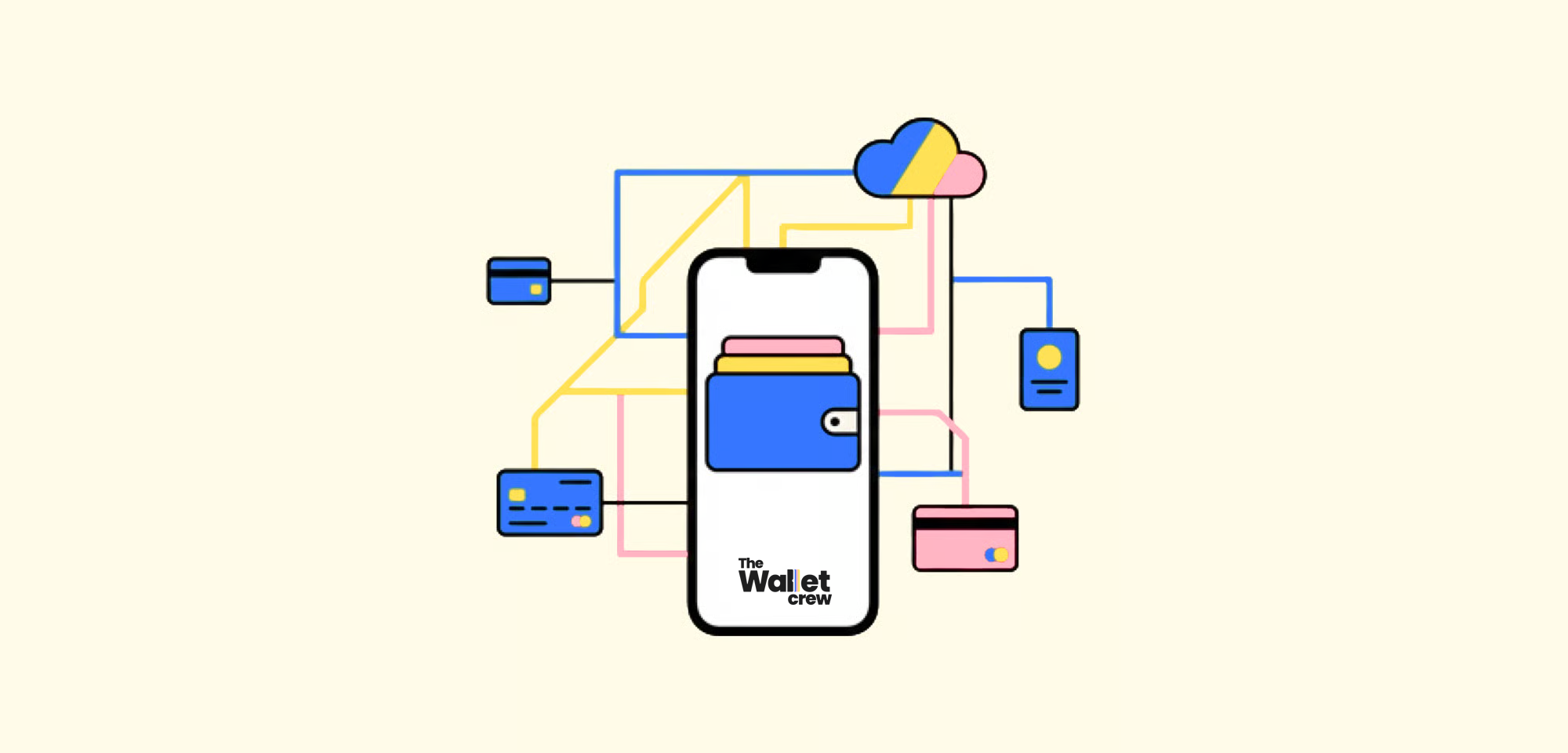
The Wallet Crew connects pass design, distribution, and lifecycle operations in one platform.
The Wallet Crew is a white-label platform to **create, distribute, and operate wallet passes**. Brands use it for **loyalty cards, coupons, gift cards, tickets, and membership cards** in **Apple Wallet** and **Google Wallet**. Customers save the pass once, then the same pass stays **up to date over time**.
TWC acts as a bridge between existing business systems and wallet providers — it does not create a new data silo. Customer profiles, loyalty records, tickets, and transactions remain in their source systems. TWC reads from them, transforms the data into wallet-compatible content, and delivers updates when those records change.
TWC is not a self-service-only tool. Expertise and integration design are part of the engagement — each deployment is shaped around specific data models and business processes, with The Wallet Crew team involved throughout.
### What problems it solves
Most wallet projects start with the same friction. Customers need something scannable at checkout or entry. App installs stay low. Plastic cards add cost and logistics.
The Wallet Crew ships pass distribution through web, email, or QR. It then keeps that same installed pass accurate with updates over time. This creates one operating layer across Apple and Google while still following each provider’s rules.
Wallet is also not a “marketing-only” channel. A pass is a **digital credential** that customers can present in the moment, even with poor connectivity. Notifications can help, but the core value is simple: the pass remains available, scannable, and current.
### Who it’s for
The Wallet Crew is designed for business and technical teams. It supports deep configuration when needed, without forcing every stakeholder into the same level of detail.
Marketing and CRM teams get an owned surface on the phone that customers actually keep. Content can be refreshed through pass updates and, when relevant, wallet notifications.
Delivery, product, and operations teams ship faster because a launch does not depend on app adoption. IT, data, and security teams get a connected layer that links passes to CRM, loyalty engine, POS, and ticketing systems, with privacy-first setups by default.
### How it works (high level)
The Wallet Crew follows a simple lifecycle. A team designs a template, distributes an “Add to Wallet” entry point, then pushes updates over time.
1. **Design**: pick a pass type and configure branding, fields, and barcode/QR. Start with [Card design (colors, images, and fields)](/configure/advanced-configuration/wallet/template-configuration/cards-design-colors-images-and-fields.md).
2. **Connect data**: link each pass to source systems using stable identifiers, so CRM and POS remain the source of truth. See [Structure](/developers-guides/pass-architecture/structure.md).
3. **Distribute**: ship pass installation from owned channels. Most deployments start with [On your website](/guides-enrolment/enrolment/on-your-website.md) and [Via Email](/guides-enrolment/enrolment/via-email.md).
4. **Operate and engage**: update passes, trigger notifications, and measure adoption over time. Start with [Push notifications](/guides-animation/engage-and-animate/automatisation/push-notifications.md).
### Key capabilities
#### Wallet is reach, not only notifications
A wallet pass is a persistent object on the customer’s phone. It is easy to retrieve and show at the point of sale, at entry gates, or during customer service interactions. This makes wallet a practical channel for operations, not only for campaigns.
Notifications are optional and depend on use case and provider rules. In many programs, the main outcome is simply higher usage because the pass is quick to access and hard to lose.
#### Pass templates for Apple Wallet and Google Wallet
Templates are configured once, and The Wallet Crew generates the right Apple and Google payloads.
Most Brands start with a core set of templates, then expand over time. A common baseline includes [Loyalty Card Template Configuration](/guides-design/design/loyalty-card-template-configuration.md), [Offer](/guides-design/design/offer.md), [Gift card](/guides-design/design/gift-card.md), [Event ticket](/guides-design/design/event-ticket.md), and [Generic](/guides-design/design/generic.md).
For multi-language programs, labels and content can be translated per template. See [How to translate a template](/configure/advanced-configuration/wallet/template-configuration/how-to-translate-a-template.md).
#### Distribution without forcing a mobile app
Customers can add a pass without a mobile app, which is usually the biggest adoption lever. Most deployments start with web and email, then expand to QR codes in-store or on-site.
Common distribution entry points include [On your website](/guides-enrolment/enrolment/on-your-website.md), [Via Email](/guides-enrolment/enrolment/via-email.md), and, when an app exists, [On your mobile app](/guides-enrolment/enrolment/on-your-mobile-app.md).
#### Updates, notifications, and location-based experiences
Wallet passes are meant to evolve, so the same installed pass can change after it’s saved.
Typical update scenarios include points and tier refresh after purchase, coupon state changes after redemption, gift card balance updates, and ticket changes.
Start with [Push notifications](/guides-animation/engage-and-animate/automatisation/push-notifications.md), then see [Geolocated Notifications](/guides-animation/engage-and-animate/geolocated-notifications.md).
Even without notifications, updates still matter. They keep the pass trustworthy by keeping balances, tiers, validity, and ticket states accurate when the customer opens the pass.
#### Integrations and APIs
The Wallet Crew sits between distribution channels and source systems.
Teams integrate through built-in connectors, including CRM, POS, and marketing automation tools. The API can also be used for issuance, updates, and lookups. Start with [API reference](https://docs.thewalletcrew.io/api-reference/).
#### Operations and in-store/on-site usage
Operating wallet at scale needs targeting and reliable redemption. Metadata can be attached to passes for segmentation, then used to target by store, country, tier, or channel. See [Structure](/developers-guides/pass-architecture/structure.md).
When staff tooling is needed, operators can use [Pass Scanner](/guides-scan/scan/pass-scanner.md) to scan and validate passes.
### What it is (and is not)
The Wallet Crew is a platform dedicated to managing the entire lifecycle of wallet passes. It enables you to design, distribute, and update passes while connecting seamlessly to your existing channels and data systems.
It is not a payment solution, all payment transactions continue to operate within Apple Pay and Google Pay. It also does not replace your existing business systems such as CRM, loyalty platforms, POS, or ticketing tools. Those systems remain your source of truth; The Wallet Crew simply extends their data into the wallet experience.
### Privacy and security
The Wallet Crew follows a **privacy-first approach**. Many deployments avoid storing personal data and store **external identifiers** instead. Those identifiers let The Wallet Crew fetch data and render the pass.
For distribution security, see [Wallet card security](/configure/advanced-configuration/wallet/wallet-card-security.md). It covers signed links, HMAC/JWT, and ID enumeration risks.
### FAQ
Do customers need to install a mobile app?
No. Most Brands start without an app, and customers add passes from web pages, email, or QR codes. When an app exists, an in-app flow can be added later. See [On your mobile app](/guides-enrolment/enrolment/on-your-mobile-app.md).
Can Brand-owned Apple and Google issuer accounts be used?
Yes. Apple and Google require Brand-owned issuer credentials in production, and The Wallet Crew issues passes under the Brand identity.
Start with [Apple & Google wallet](/configure/advanced-configuration/wallet/apple-and-google-wallet.md).
How do pass updates work after installation?
Pass data is updated from source systems, and The Wallet Crew pushes the change to Apple and Google. Start with [Push notifications](/guides-animation/engage-and-animate/automatisation/push-notifications.md). It explains triggers and what customers see.
Do you store personal data?
It depends on the deployment. Many deployments store only identifiers and operational metadata, while the CRM remains the source of truth for PII.
For the data model, see [Structure](/developers-guides/pass-architecture/structure.md).
Can we scan and validate passes in-store or at event entry?
Yes. Passes can be scanned using barcode or QR readers. For a dedicated operator experience, use [Pass Scanner](/guides-scan/scan/pass-scanner.md).
---
# Agent Instructions
This documentation is published with GitBook. GitBook is the documentation platform designed so that both humans and AI agents can read, navigate, and reason over technical content effectively. Learn more at gitbook.com.
## Querying This Documentation
If you need additional information that is not directly available in this page, you can query the documentation dynamically by asking a question.
Perform an HTTP GET request on the current page URL with the `ask` query parameter, and the optional `goal` query parameter:
```
GET https://docs.thewalletcrew.io/get-started/readme/understand-platform.md?ask=&goal=
```
`ask` is the immediate question: it should be specific, self-contained, and written in natural language.
`goal` is optional and describes the broader end goal you are ultimately trying to accomplish on behalf of the user. GitBook uses it to tailor the answer towards what is most useful for that goal.
The response will contain a direct answer to the question and relevant excerpts and sources from the documentation.
Use this mechanism when the answer is not explicitly present in the current page, you need clarification or additional context, or you want to retrieve related documentation sections.