> For the complete documentation index, see [llms.txt](https://docs.thewalletcrew.io/llms.txt). Markdown versions of documentation pages are available by appending `.md` to page URLs; this page is available as [Markdown](https://docs.thewalletcrew.io/guides-scan/guides-scan.md).

# Scan Guides

Entry point to the scan and validate guides: how wallet passes are read and acted on at checkout, entry gates, and redemption counters.

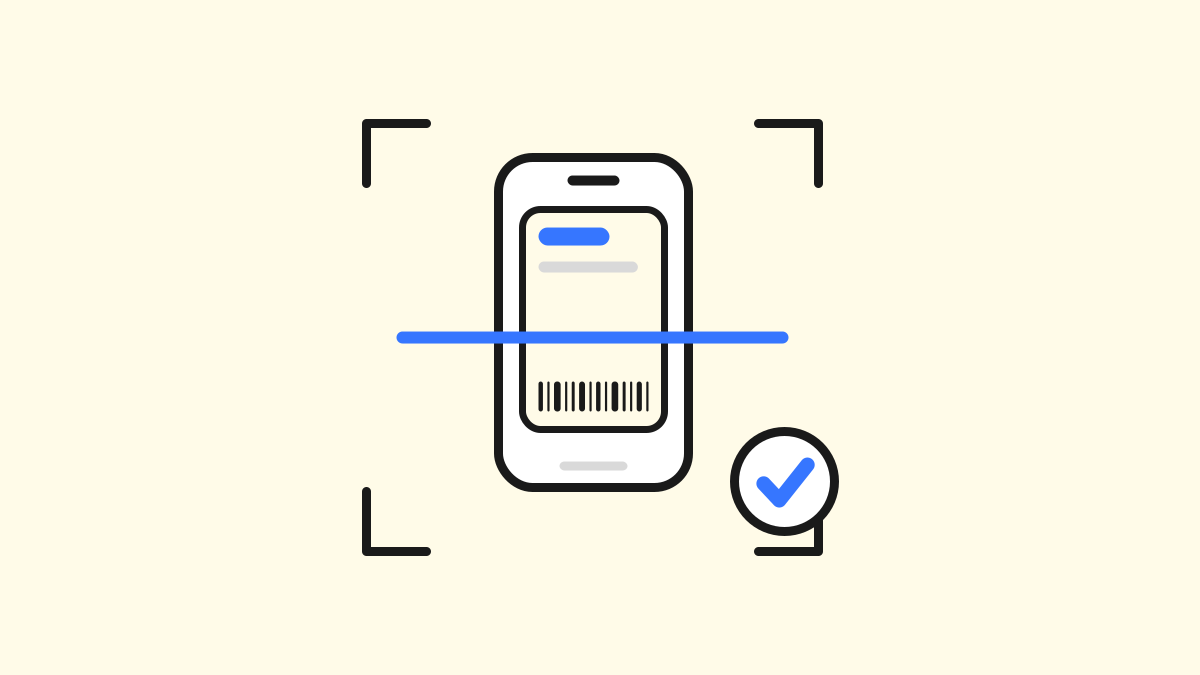
<table data-view="cards"><thead><tr><th></th><th></th><th data-hidden data-card-cover data-type="image">Cover image</th><th data-hidden data-card-target data-type="content-ref"></th></tr></thead><tbody><tr><td><h3>Scan &#x26; validate</h3></td><td>Read barcodes, QR codes, and NFC passes at checkout, entry, or redemption points — choose the right hardware and validate passes reliably.</td><td><a href="https://2365162339-files.gitbook.io/~/files/v0/b/gitbook-x-prod.appspot.com/o/spaces%2FiqBD4M0nHFMaFeKR75p9%2Fuploads%2FW4Crou0eXmygOrMwZ1YK%2Fscan-and-validate.svg?alt=media">scan-and-validate.svg</a></td><td><a href="/guides-scan/scan/pass-scanner.md">Pass Scanner</a></td></tr><tr><td><h3>Scanner</h3></td><td>Pick the right scanner for wallet passes: 2D imagers vs laser scanners, 1D vs 2D codes, and a practical checklist for production readiness.</td><td><a href="https://2365162339-files.gitbook.io/~/files/v0/b/gitbook-x-prod.appspot.com/o/spaces%2FiqBD4M0nHFMaFeKR75p9%2Fuploads%2FOPnpmD6f2v6tO4mxxe9Y%2Fscanner.svg?alt=media">scanner.svg</a></td><td><a href="/guides-scan/scan/scanner.md">Scanner</a></td></tr></tbody></table>

The core challenge is simple: wallet passes are displayed on a phone screen, and not every scanner reads screens well. **Scanner** walks through the practical side of this — why 2D imagers are typically the right choice over laser scanners, the difference between 1D barcodes (fast, compact identifiers) and 2D codes like QR (more data, better at short range and odd angles), and a selection checklist covering symbology support, screen brightness, cracked screens, and real-world throughput testing.

Whether the moment is a loyalty scan at POS, a ticket check at an event entrance, or a gift card redemption, getting the hardware and scanning logic right from day one avoids costly read-rate issues in production.


---

# Agent Instructions
This documentation is published with GitBook. GitBook is the documentation platform designed so that both humans and AI agents can read, navigate, and reason over technical content effectively. Learn more at gitbook.com.

## Querying This Documentation
If you need additional information that is not directly available in this page, you can query the documentation by asking a question.

Perform an HTTP GET request on the following URL with the `ask` and `goal` query parameters:

```
GET https://docs.thewalletcrew.io/guides-scan/guides-scan.md?ask=<question>&goal=<user_goal>
```

`ask` is the immediate question: it should be specific, self-contained, and written in natural language.
`goal` is what the user is ultimately trying to achieve, the reason they need the answer. Sharing it helps GitBook give you a better, more relevant answer. A goal is most helpful when it describes the outcome the user wants rather than restating the question. For example, with `ask=how do I create an API token`, a goal like `automate deployments from our CI pipeline` lets GitBook tailor the answer to that use case.

The response will contain a direct answer to the question and relevant excerpts and sources from the documentation.

Use this mechanism when the answer is not explicitly present in the current page, you need clarification or additional context, or you want to retrieve related documentation sections.